Apple Health and Nutrition Tracking: What to Connect
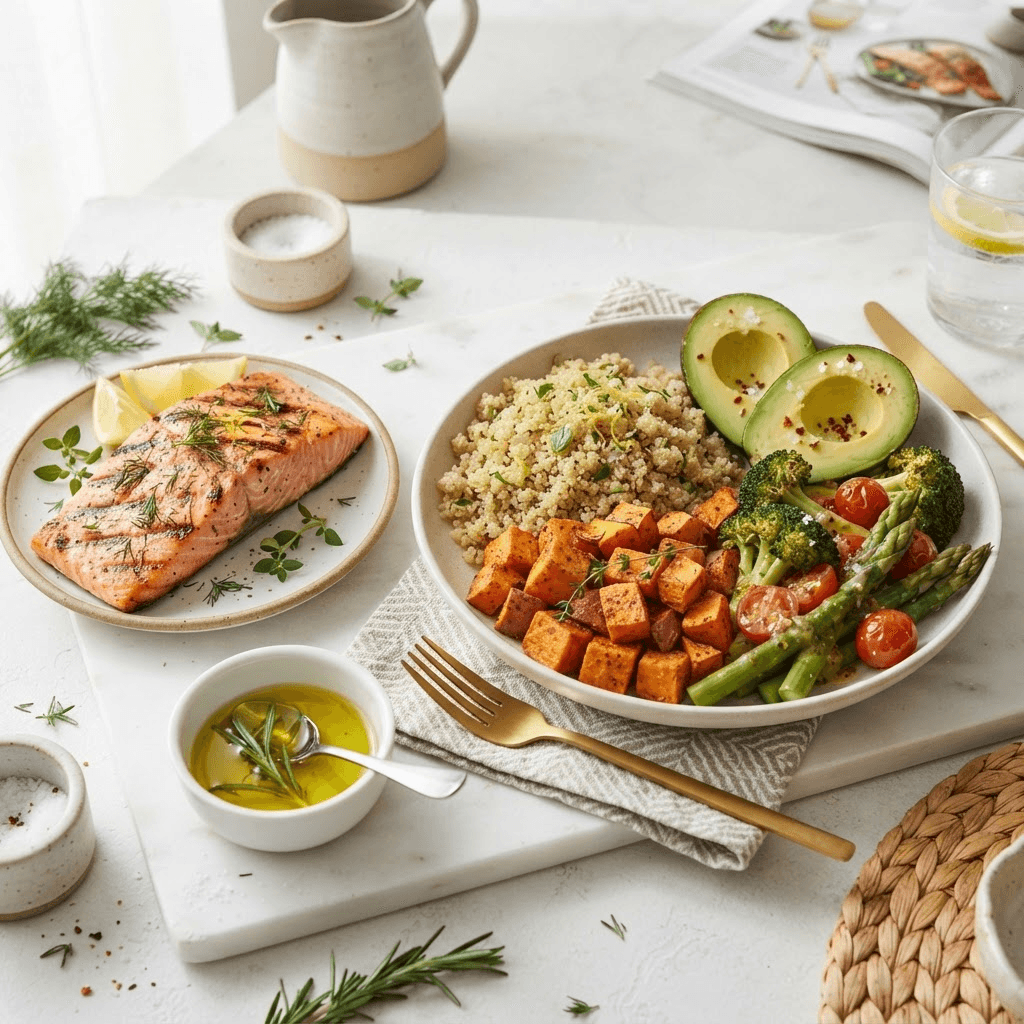
Apple Health can act as a central place for supported activity and health data, while BiteBud focuses on making meal logging quick. Connecting the two can give you more context without requiring you to manually copy every number between apps.
Food and activity answer different questions
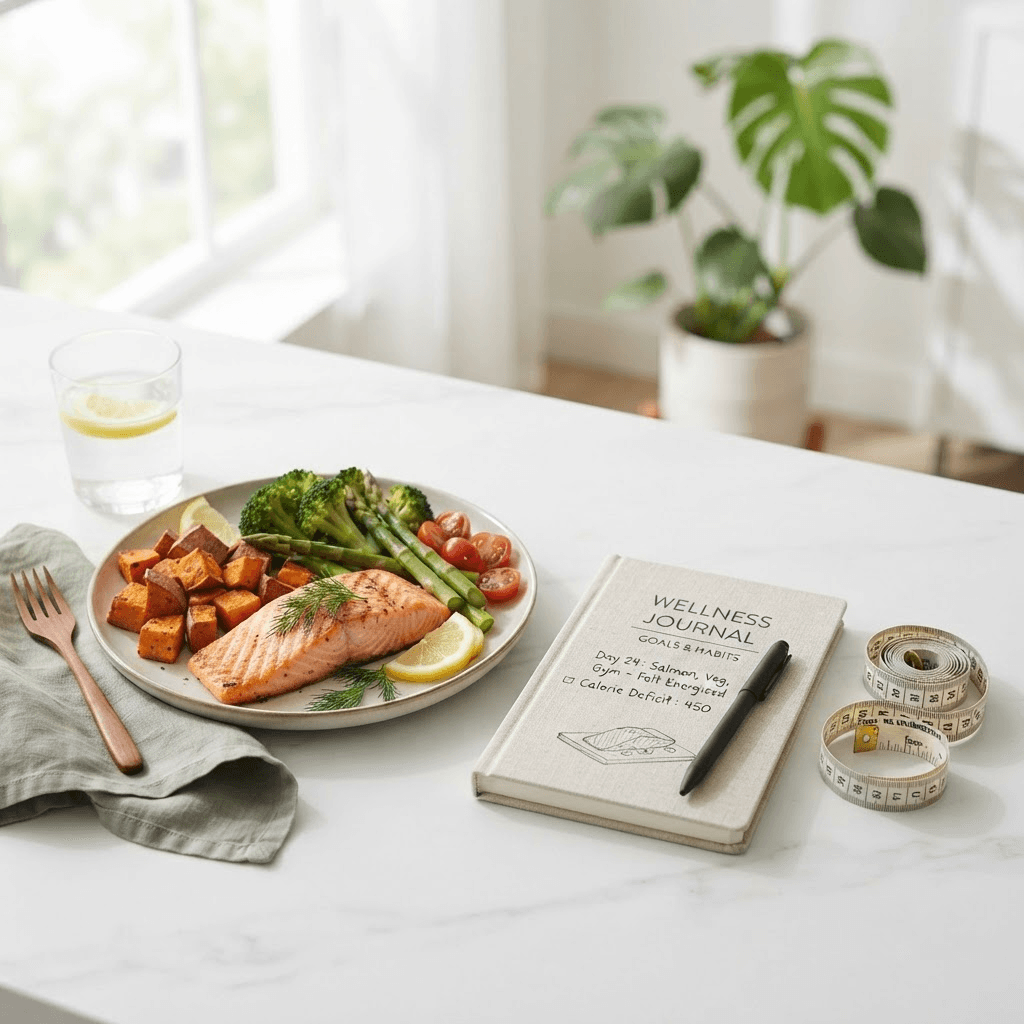
A food log helps you understand what you ate. Activity data helps describe movement and energy use. Neither number tells the whole story on its own, but seeing them together can make your daily pattern easier to review.
Choose permissions deliberately
Health information is personal. Review the permissions shown on your iPhone and enable only the data you want BiteBud to access. You can revisit those choices later in the Health app. A useful connection is one you understand and are comfortable maintaining.
Do not chase a false precision
Wearables and food estimates both have limitations. Use Apple Health data as context for trends and routines, not as permission to eat or restrict based on a single displayed number. Consistent meal logging and honest reflection remain more important than decimal-level precision.
Build a review habit
At the end of a week, review meal photos, calorie patterns, macros, and activity together. Ask what helped you feel and perform well, then make one small adjustment. This is where a connected nutrition workflow becomes useful.
Sources and further reading
Explore BiteBud guides
Track this the easy way
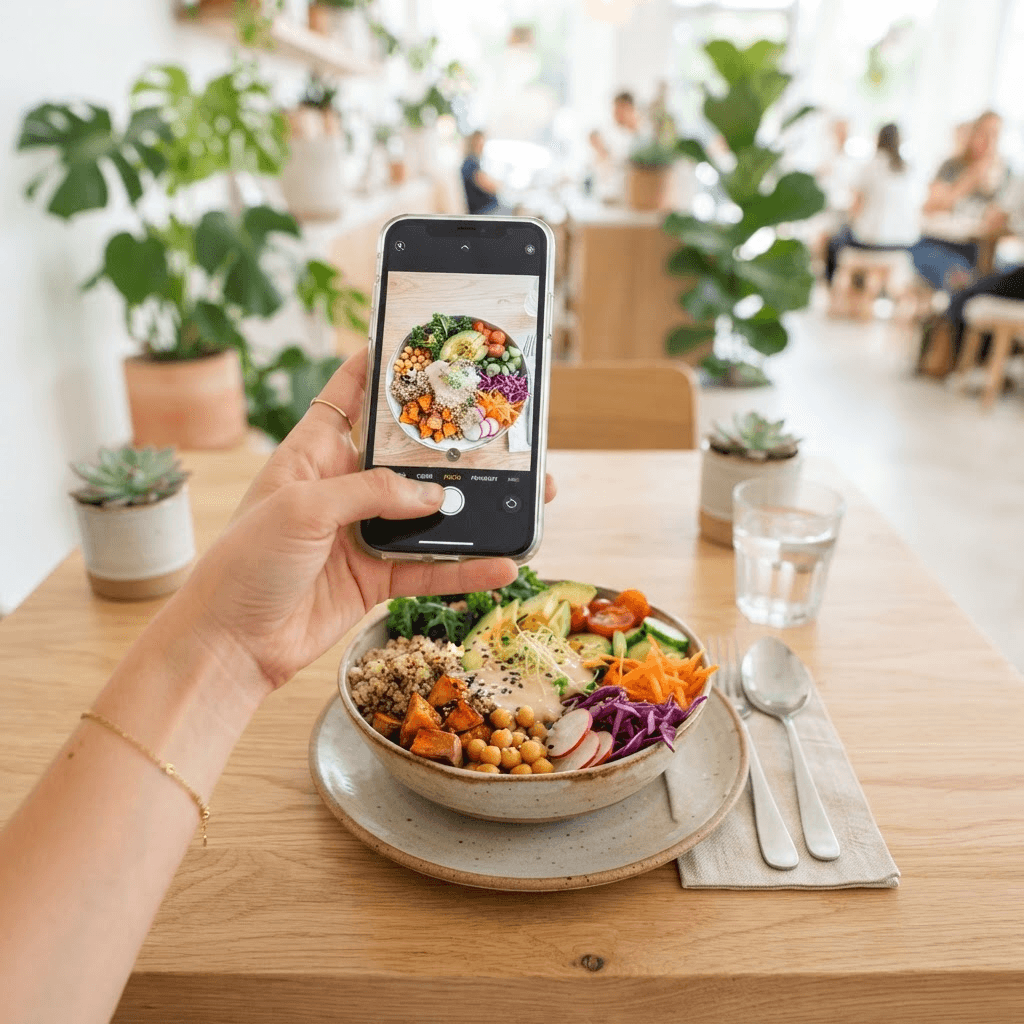
Put these ideas into practice. Snap a photo and let BiteBud handle the calories and macros for you.